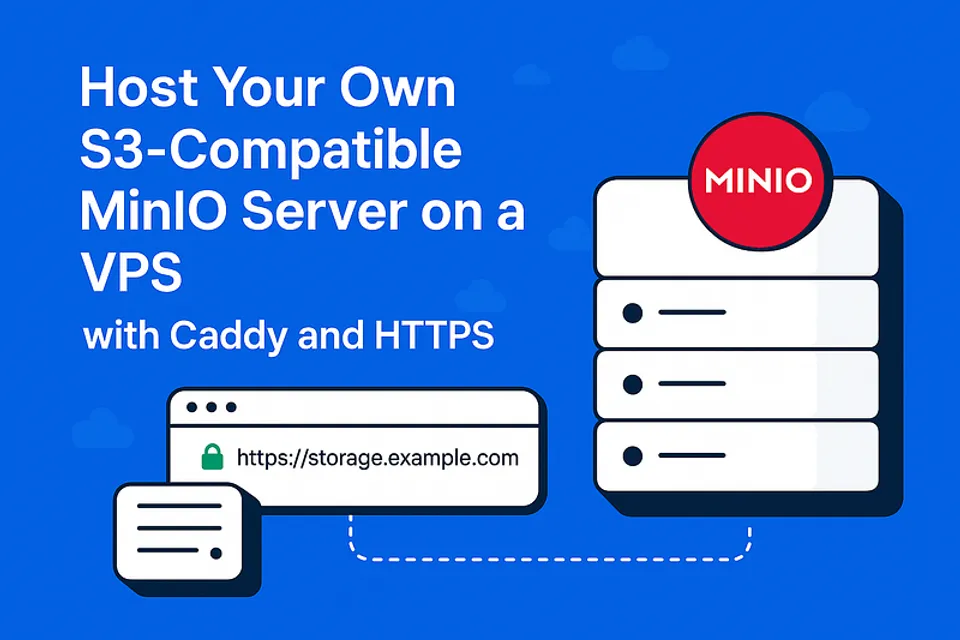
Host Your Own S3-Compatible MinIO Server on a VPS with Caddy and HTTPS
Host Your Own S3-Compatible MinIO Server on a VPS with Caddy and HTTPS
Want to self-host object storage like AWS S3 but on your own VPS? Say hello to MinIO — a blazing-fast, S3-compatible storage solution. In this guide, we’ll show you how to install and secure MinIO using Caddy with automatic HTTPS, and host it under a custom subdomain.
What You’ll Need
A fresh Linux VPS (Ubuntu 20.04+ recommended)
Root access or a sudo user
A domain with DNS control
A subdomain (e.g.,
storage.yourdomain.com) pointing to your VPS IP
Step 1: Install MinIO
- Create a
miniouser:
sudo useradd -r minio-user -s /sbin/nologin
2. Download and install MinIO:
wget https://dl.min.io/server/minio/release/linux-amd64/minio
chmod +x minio
sudo mv minio /usr/local/bin/
3. Create directories:
sudo mkdir -p /usr/local/share/minio
sudo mkdir -p /etc/minio
sudo chown -R minio-user:minio-user /usr/local/share/minio /etc/minio
4. Create environment file:
sudo nano /etc/minio/minio.env
Add:
MINIO_ROOT_USER=admin MINIO_ROOT_PASSWORD=strongpassword
Step 2: Setup MinIO Systemd Service
sudo nano /etc/systemd/system/minio.service
paste:
[Unit]
Description=MinIO
After=network-online.target

[Service]
User=minio-user
Group=minio-user
EnvironmentFile=/etc/minio/minio.env
ExecStart=/usr/local/bin/minio server /usr/local/share/minio --console-address ":9001"
Restart=always
LimitNOFILE=65536

[Install]
WantedBy=multi-user.target
Then enable and start:
sudo systemctl daemon-reexec
sudo systemctl enable minio
sudo systemctl start minio
Step 3: Point Your Subdomain
Go to your domain DNS provider and create an A record:
storage.yourdomain.com → your VPS IP
Wait a few minutes for it to propagate.
Step 4: Install & Configure Caddy (with HTTPS)
- Install Caddy:
sudo apt install -y debian-keyring debian-archive-keyring apt-transport-https
curl -1sLf 'https://dl.cloudsmith.io/public/caddy/stable/gpg.key' | sudo tee /etc/apt/trusted.gpg.d/caddy-stable.asc
curl -1sLf 'https://dl.cloudsmith.io/public/caddy/stable/debian.deb.txt' | sudo tee /etc/apt/sources.list.d/caddy-stable.list
sudo apt update
sudo apt install caddy
2. Edit Caddyfile:
sudo nano /etc/caddy/Caddyfile
Paste:
storage.yourdomain.com {
    handle_path /minio/* {
        reverse_proxy localhost:9000
    }

    handle_path /* {
        reverse_proxy localhost:9001
    }
}
Replace
yourdomain.comwith your actual domain.
3. Restart Caddy:
sudo systemctl restart caddy
Caddy will automatically fetch SSL certificates and handle HTTP→HTTPS redirects 🎉
Step 5: Test It!
Visit:
[https://storage.yourdomain.com](https://storage.yourdomain.com)Login with the credentials you set in
/etc/minio/minio.env
You Did It!
You now have your own secure, S3-compatible object storage running on your VPS with:
MinIO as the storage engine
Caddy for reverse proxy and HTTPS
Your custom domain for easy access

> Written by
Emdadul Islam
Software Engineer. View profile →
Read more

How to Deploy an AI Agent with Amazon Bedrock AgentCore
Deploy AI agents with Amazon Bedrock AgentCore for scalable configuration on AWS, integrating with frameworks like LangGraph and CrewAI
How to Add a Native Rich Text Editor in Expo / React Native (No WebView)
Use expo-rte for a native rich text editor in Expo/React Native, offering cross-platform, customizable, native performance without WebView
How to Implement Multi-Factor Authentication (MFA) with TOTP in Your Web Application
Learn to implement Multi-Factor Authentication (MFA) with Time-based One-Time Password (TOTP) in your web application for enhanced security