How to Fix the Expo "Network Response Timed Out" Error
Fix the Expo Metro bundler network response timed out error by opening the correct port on your machine.
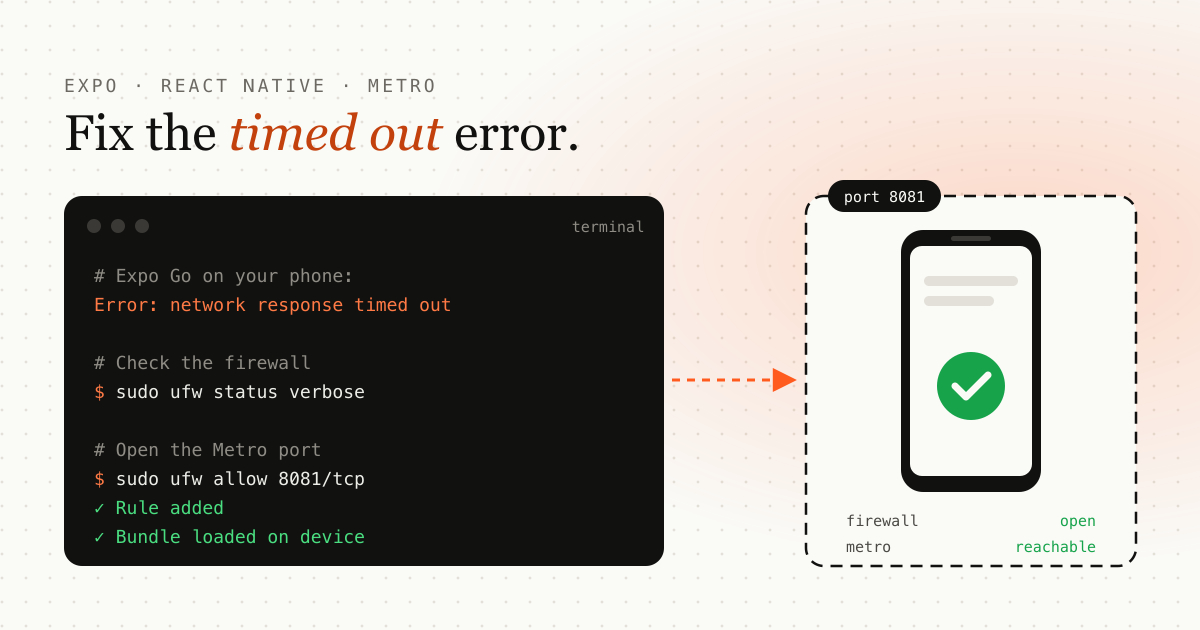
Quick fix: if Expo shows “network response timed out”, your firewall is most likely blocking the port Metro runs on. On Ubuntu, run sudo ufw allow 8081/tcp, then restart Expo.
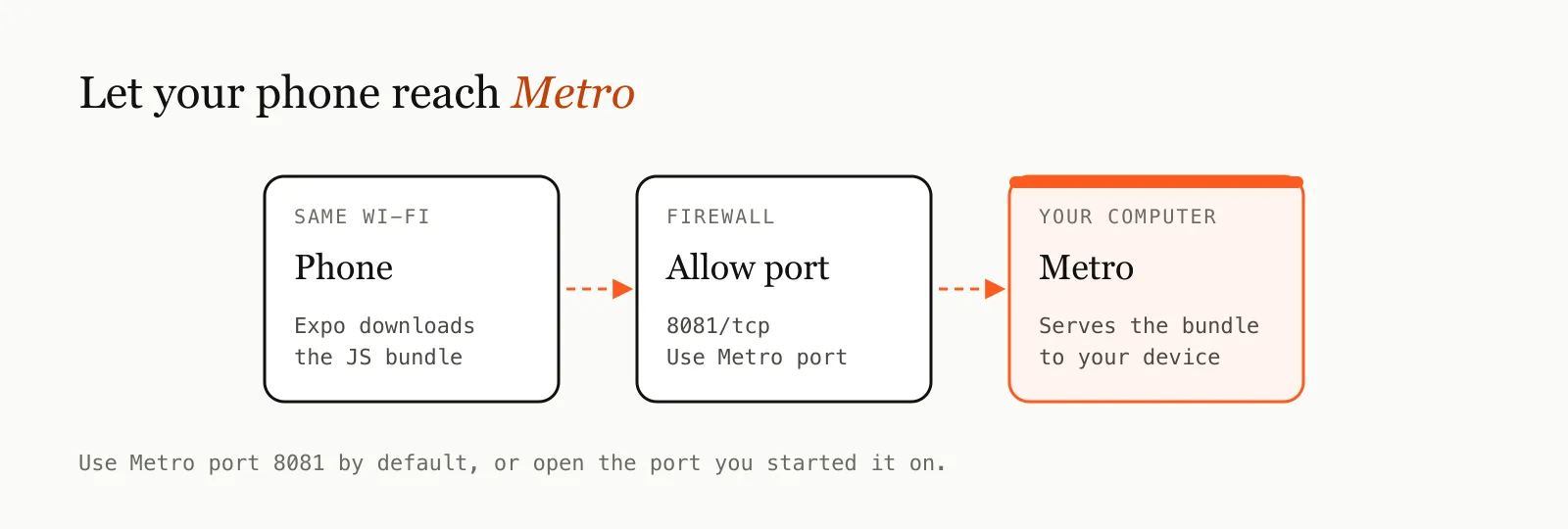
When you develop a React Native app with Expo, your phone or emulator downloads the JavaScript bundle from the Metro bundler running on your computer. If that port is closed, the request hangs and you get the timeout error.
Fix it on Linux (Ubuntu)
1. Check which ports are open
Run this in your terminal:
sudo ufw status verbose- Look for the port Metro uses (8081 by default).
- If it isn’t listed, you need to open it.
2. Open the Metro port
sudo ufw allow 8081/tcpReplace 8081 if Metro runs on a different port. This allows traffic through the firewall so your device can reach the Metro server.
Other causes to check
If the port is already open and the error remains:
- Same network: your phone and computer must be on the same Wi-Fi network.
- VPN: turn off VPNs on either device while you develop.
- Tunnel mode: run
npx expo start --tunnelto bypass local network problems. - Restart: stop Metro, then run
npx expo start --clearto clear the cache.
After these steps, your device or emulator should connect to the Metro server without problems. If you’re building native modules next, see how to add a native rich text editor to your Expo app.
Frequently asked questions
What port does Expo's Metro bundler use?
Metro uses port 8081 by default. If you started it on another port, open that port instead.
Why does Expo Go say "network response timed out" on my phone?
The phone can't reach the Metro server on your computer. The usual causes are a firewall blocking the port, the phone and computer being on different Wi-Fi networks, or a VPN.
Can I avoid opening a port at all?
Yes. Run npx expo start --tunnel to route the connection through a tunnel. It's slower than a direct LAN connection but works when the firewall or network blocks local traffic.
Emdadul Islam
I build web, mobile and backend products, and write up what I learn along the way: the bugs, the trade-offs and the fixes that held up in production. More about me →
Next article
Host Your Own S3-Compatible MinIO Server on a VPS with Caddy and HTTPS
Self-host S3-compatible object storage with MinIO on a VPS, secured with automatic HTTPS via Caddy on a custom subdomain.